Web Forms
Make form filling and signing a breeze
Capture data and dynamically populate content into agreements for signature in one easy-to-use interactive experience.

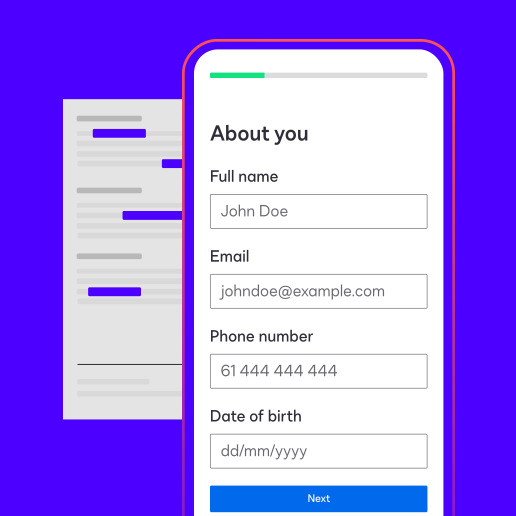
Build intelligent forms your way and get signatures faster
Build dynamic web forms your way. Build from scratch or use Docusign Iris to instantly convert PDFs and templates to deliver guided, mobile-ready flows in minutes. Accelerate completion with AI-driven suggestions and API-integrated data pre-population, then transform your results into strategy with actionable analytics.
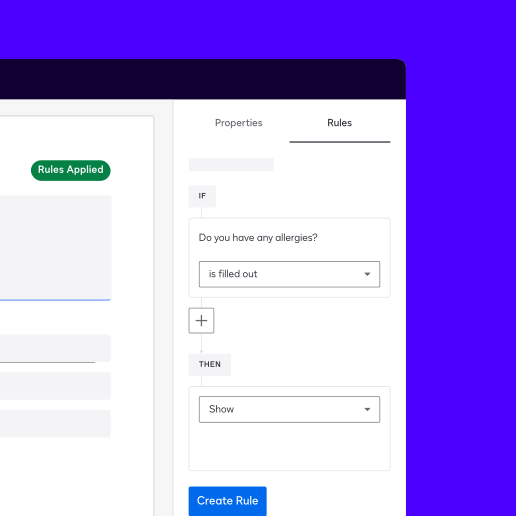
Accelerate agreement completion
Streamline data collection and create agreements for signature with interactive forms. Use conditional logic and data validation to dynamically adapt form fields and ensure data accuracy in real time. And pre-populate form fields with data from external systems via API to save your signatories time. Capturing and populating data into agreements is easy, since Web Forms is built into Docusign eSignature. Plus, take advantage of eSignature capabilities like identity verification and more when your agreements are ready for signing.
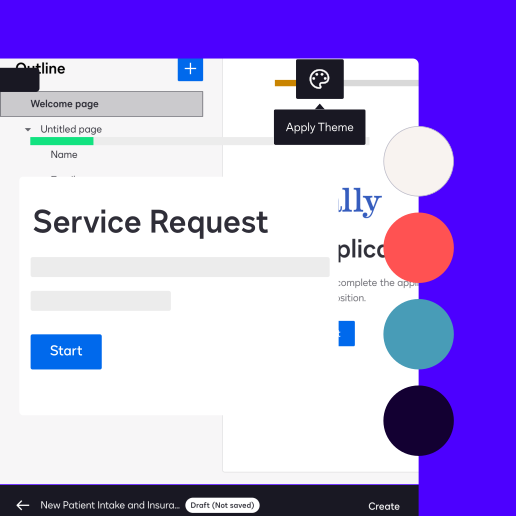
Deliver trusted experiences for your signers
More than a million customers and a billion users trust Docusign with their critical and essential agreements. Web Forms is built on the same secure eSignature platform. So you and your customers can trust that your information is safe.
Embed forms directly into your business applications, so your customers get the consistent user experience and look they expect from your brand.
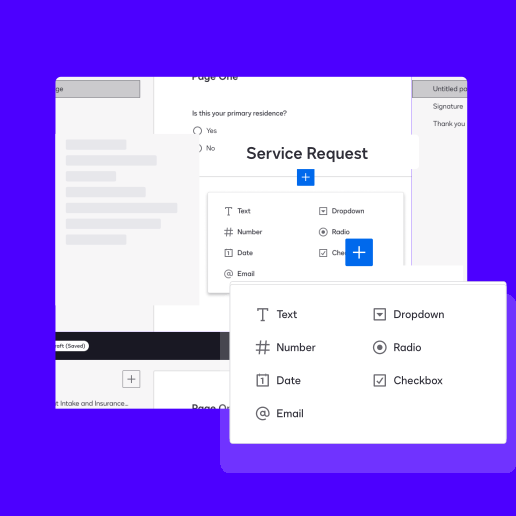
Move quickly by empowering your whole team to build forms
Use drag-and-drop functionality and clicks, not code, to build your forms in minutes.
Your team can edit different versions of your web forms and publish only when you’re ready to make changes. All of this means that your IT team can spend less time building forms and more time on critical work only they can do.

Unlock the value of your data
Your fillable forms and form responses contain valuable data. In addition to populating your form data into agreements, you can run reports and create compelling data visualisations that identify trends and power actionable insights.
How do organisations like yours use Web Forms?
 Financial services
Account opening forms
Loan application forms
Credit card application
Direct deposit forms
 Insurance
Home insurance quotes
Policy changes
Beneficiary changes
Health insurance claims
 Government
Housing and rental assistance application forms
Small business grant forms
Unemployment claim forms
Permit requests
 Healthcare and life sciences
Clinical trial enrolment
New outpatient registration
Informed consent forms
Patient discharge
 Education
New student enrolment
Scholarship application forms
Financial assistance forms
Emergency care plan
 Additional forms
Supplier agreement forms
New vendor onboarding
Customer intake forms
New employee onboarding


How organisations use Web Forms
 Read the Full StoryThe Law Offices of Mark T. Hurt Streamlines Lead-to-Case Workflows with Docusign IAM
 Read the Full StoryCommunity Business Bureau revolutionises onboarding with Docusign Web Forms
- 1200+Customers onboarded using Docusign Web Forms so far
- 100+Hours of employee time saved
 Read the Full StoryHow BAI Communications revamped its remote contractor onboarding with Web Forms
- 95%Reduction in contract return time
- 96Hours saved per year

- Intelligent Agreement ManagementCreate smarter agreements, commit to them more efficiently and manage them to realise their full value.
- Web FormsCollect data and speed up signing
- Intelligent Agreement ManagementCreate smarter agreements, commit to them more efficiently and manage them to realise their full value.
- Web FormsCollect data and speed up signing


Keep exploring Web Forms


Docusign IAM is the agreement platform your business needs

-
Data based on usage data comparing Docusign’s Web Forms and PowerForms completions